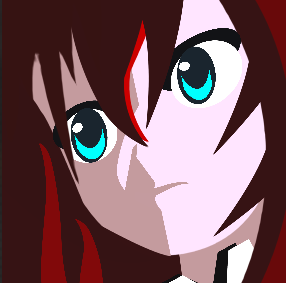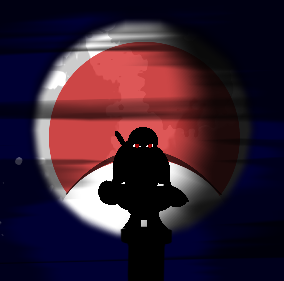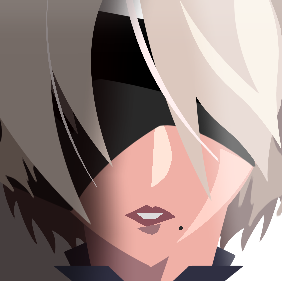
BLACK OPS II CUSTOM EMBLEM
GAMING
NEW RELEASE
2B
NieR: Automata
A custom 2B emblem made for Black Ops II Plutonium and inspired by NieR: Automata.
CONTENT TYPE
Custom Emblem
FILE TYPE
.EMBLEM
FORMAT
Black Ops II
CATEGORY
Gaming
CREATOR
Ren
LAST UPDATED
August 2026
CREATED BY
Ren
Plutonium Vault Creator
The download works once a file named 2b-emblem.zip is placed inside the downloads folder.
HOW TO INSTALL
- Download the 2B emblem package.
- Extract the downloaded ZIP file.
- Open your Black Ops II Plutonium emblem storage location.
- Move the supplied .emblem file into the correct folder.
- Launch Plutonium and load the emblem from the matching emblem slot.
IMPORTANT
Keep a backup of your original emblem files before replacing anything.